Your first 10 previews
Start here£0Try it with your own work.
- Your client photo form
- AI preview + treatment guide
- Your booking link
Card check after setup. No automatic charges.
One trial per account, business and card.
AI previews for beauty & aesthetics
Clients send a selfie. They get back a preview in your style, with a button to book you.
10 free previews after setup & card check
Works for brows, lips and hair
 Our work
Send a selfie. Get your free preview.
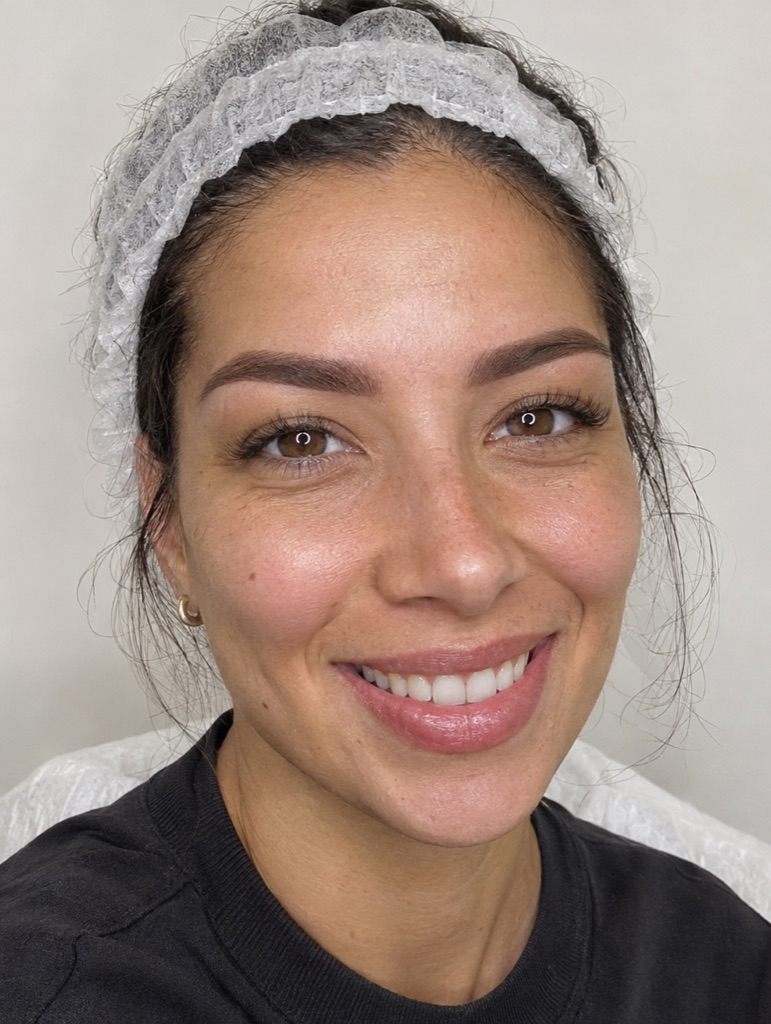
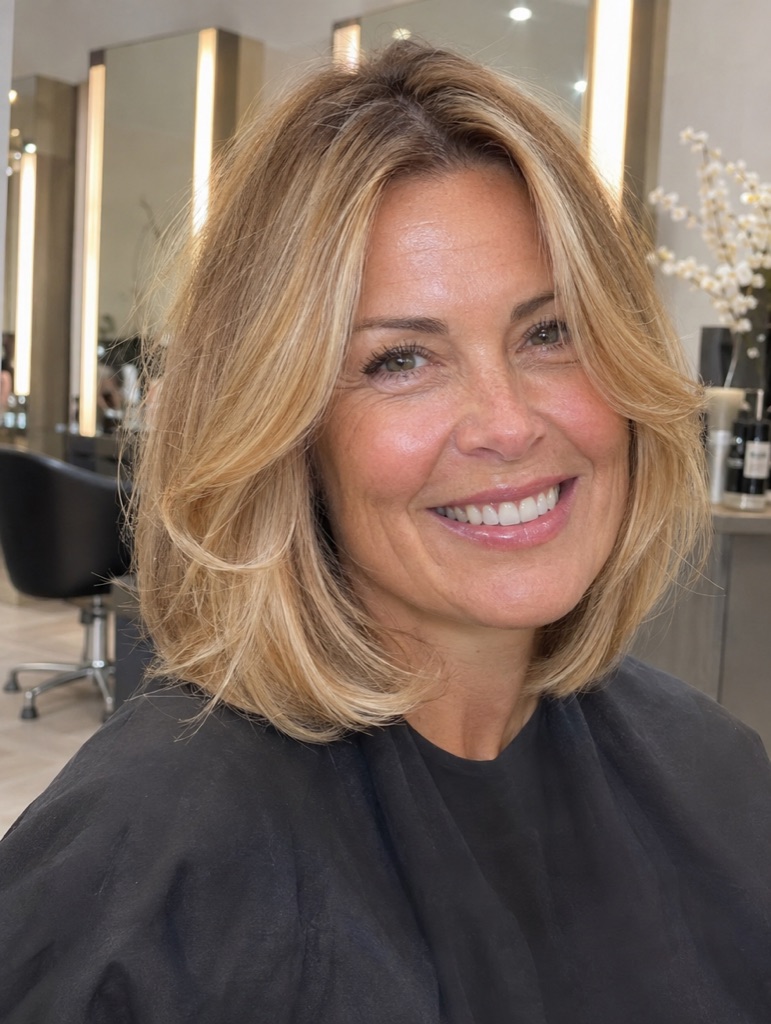
Example: lip blush
 Selfie added
 BeforeYour style
Drag to compare
One treatment. One photo of your work.
In an ad, on your site or in a message.
Every preview comes with your booking button.
Add your calendar, WhatsApp or contact link. Connect email or your existing follow-up to keep the conversation going.


One credit. One saved preview. No monthly bill.
Card check after setup. No automatic charges.
One trial per account, business and card.
£0.49 per preview
Email, SMS and booking services keep their own fees. A new preview version uses another credit.
Yes. Add a work photo you have permission to use with AI. It guides the style of each preview. The preview is an illustration, not a prediction or a model trained on your technique.
Clients see their preview and your treatment guide, then a button to your booking page. You can use a calendar, WhatsApp or a contact page. Each treatment can have its own link.
Choose to review previews first or release them automatically. Connect email delivery or your existing follow-up system to send the report link. Clients can also see it in their browser. SMS needs your own messaging service.
Your business details, one treatment, a work photo with AI permission and a booking link. Create your account, follow setup and check your first offer before sharing it. Your setup screen shows any steps still needed for preview access.
Finish setup, confirm your email and add a card through Stripe to unlock 10 previews, subject to the access checks shown in setup. One free allowance per account, business and card. One credit makes one saved preview; a new version uses another. Failed generations return their credit. There are no automatic charges.
Yes. Manage several businesses from one login, with separate work, offers, booking links and credit balances. Charge clients for your setup and service through your own invoicing. Automatic client rebilling is not included. Your free allowance applies to one client business.
Start free. Make it yours.